Your systems, connected.
Your customers, at the centre.
From the first message to the next step. Give your team the context to keep the conversation going.
Design your CRMExplore the customer journeyMay
Enquiry from the website
Today, 09:41
I’m interested in an online store. Could it connect to our membership system?
Illustrative workflow
Customer details
Start with what they share.
Bring the relevant details into one story.Example customer care · Fictional data

Every customer milestone.
We travel together.
Scroll to travel, or choose a station to explore.
Start with an interest
May submits a website form and selects a service, giving the team a starting point for the conversation.
Behind the handover
- Next action
- Create a lead and record its source
- Responsible team
- Marketing team
Know who is helping.
And what happens next.
When authorized information connects, the next person can see the context they need to continue helping.

See the relevant history
View permitted interests, orders, and conversations so a handover does not start from scratch.
Pass work to the right owner
Assign by service, branch, or role, with the context the next team needs.
Make the next action clear
Define the status, appointment, and follow-up so everyone knows when to move forward.
The sale ends.
The relationship continues.
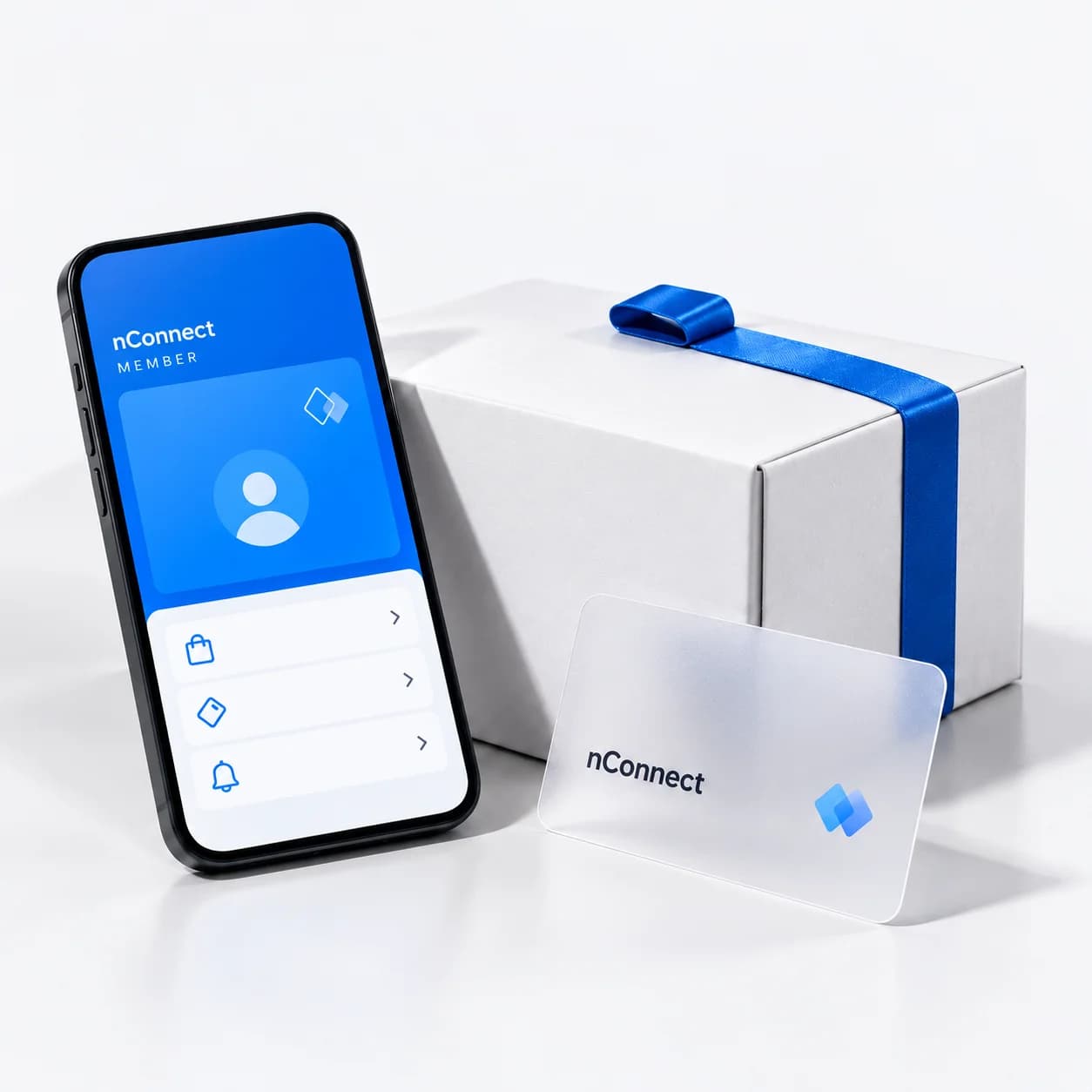
From an order to the next moment of care
Purchase history you can trace
Link confirmed orders with verified customer identities so the team can find the original record.
Benefits shaped by your rules
Define when points are earned and how cancellations or refunds adjust them under the brand’s rules.
Follow up in the customer’s chosen channel
Continue after-sales care through channels the customer chooses and authorizes for that purpose.
Each connection is designed around supported APIs, authorized information, and the scope you choose.
Start with what you have.
Connect what matters.
Explore how the systems you use could share the context your sales and service teams need to continue customer care.
Relevant context
An assigned owner
The next handover
Give every enquiry a next step.
Pass a submitted enquiry and its context to the sales team so the conversation can continue without starting over.
Connection details and scope
Context to connect
- Contact details provided
- Service or space of interest
- Form source
What the team can do next
Create a lead, assign an owner and schedule the next follow-up.
Rules to agree together
Check for duplicates and permitted data use before merging customer profiles.
Cloud and operations support the connected experience.
Plan infrastructure, access, backups and an agreed support scope for CRM and the services connected to it.
Start with essential systems and expand when ready, after assessing APIs, customer identity, permissions and the owner of each data source.
Start with one journey.
Grow the connections together.
Start with the work your team wants to improve, agree the scope, and add connections when you are ready.
- 01
Choose the first journey
Identify the missed handover, the people involved, and the outcome to track.
- 02
Define information and rules
Review existing systems, sources of truth, customer identity, and team access.
- 03
Design and test with the team
Try the agreed events and data exchanges, including failure cases, before use.
- 04
Hand over and expand
Train the responsible people, review results, and choose the next connection under the agreed support plan.
Before connecting your systems
Do we need to start with a LINE OA?
No. Start with a website, online store, form, or existing CRM and choose the first journey to connect. A business LINE OA is part of the scope when you choose customer experiences and messaging through LINE.
Can you connect our existing CRM or membership system?
We first review the existing system’s APIs, data exchange options, and access permissions, then agree the supported connections, such as membership, orders, or follow-up work. Systems differ in what they support, and you do not need to replace them all at once.
Where does customer information come from, and who can access it?
We use information customers authorize or submit, alongside business records you are permitted to connect. Define customer identifiers or identity verification before linking histories, with clear purposes and team access. Adding a LINE OA as a friend does not automatically provide every personal detail.
How are pricing and scope determined?
We assess the customer journey, selected modules, systems to connect, and agreed support. Development scope and any relevant third-party service fees are clarified before work begins.
Help every system
understand the same customer.
Start with the systems you have and the journey you want to connect. Together, we will define the information, work, and ownership around your business.
Design your CRM